
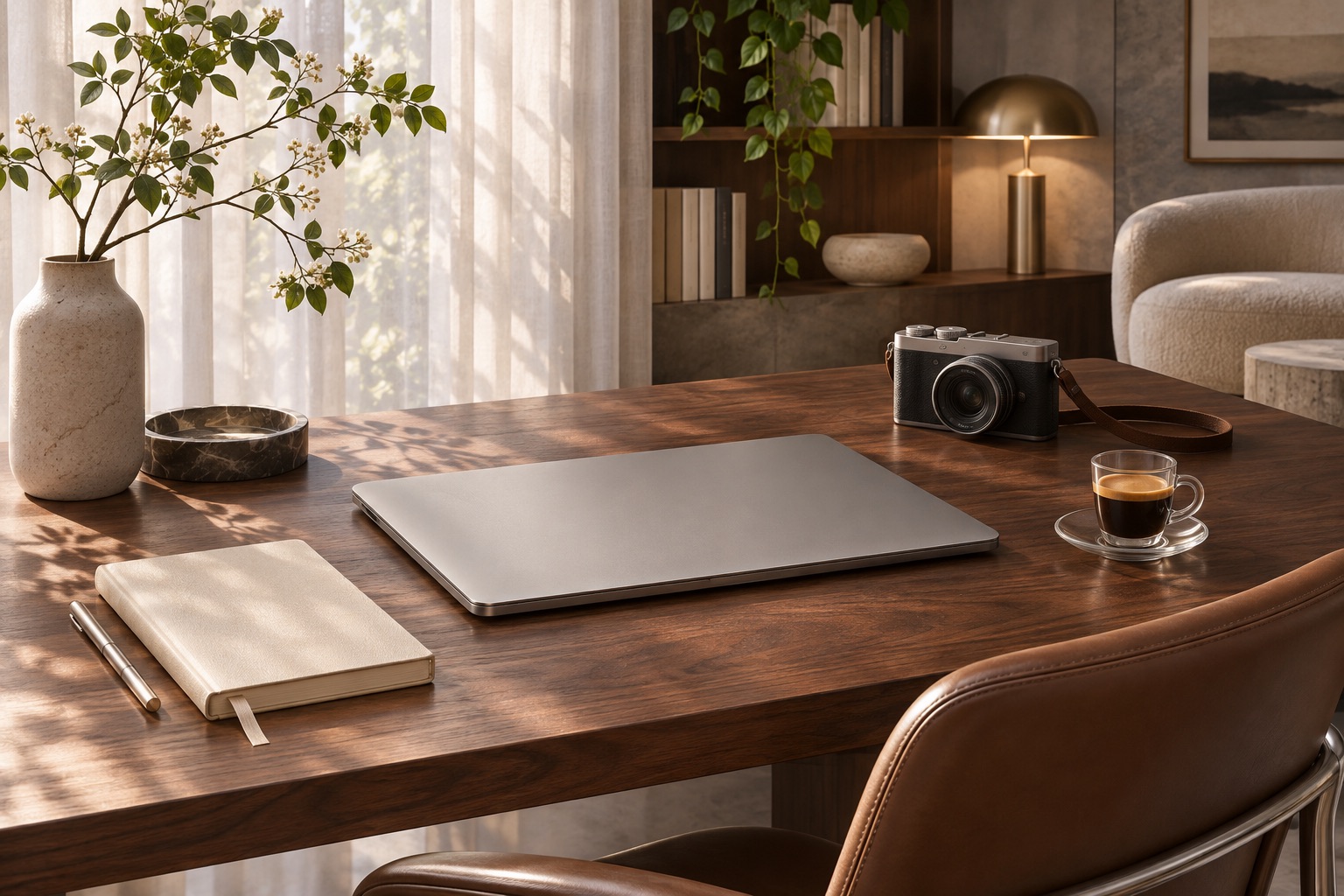
The best premium technology earns its place in daily life. It should make the work you care about more fluid, whether that means editing photographs after a trip, shaping a film or simply moving between your desk and the road with less friction.
Apple’s latest MacBook Pro announcement offers a timely reason to revisit that idea. In its October 28, 2026 release, Apple introduced 14- and 16-inch MacBook Pro models with a tandem OLED PROLED XDR display and touch interaction. Apple announced availability beginning November 6.
What Apple announced
According to Apple, these models use M5 Pro or M5 Max chips and add a display covering P3 and Adobe RGB color spaces. The company also describes a thinner, lighter design and battery life of up to 24 hours under its testing conditions. Those are manufacturer claims, not results from K Lifestyle testing.
The display is the most interesting part of the announcement for visually oriented work. But an appealing specification sheet is only a starting point. A photographer, a writer and someone managing a small business may have very different reasons to upgrade, or to keep the computer they already enjoy.
Start with the task that slows you down
Before choosing a configuration, identify one recurring limitation. Is it waiting for exports, managing large files, working away from power or finding the screen uncomfortable in your usual environment? Be specific. “I want something better” is less useful than “I need to edit a full shoot without interrupting my workflow.”
If possible, try your actual software and a representative project before buying. Check the applications and accessories you depend on, including external displays, storage and any specialized plug-ins. A smooth daily setup matters more than a feature you rarely use.
Think about the whole creative setup
A comfortable chair, appropriate desk lighting and a reliable backup routine can be as important to the experience as the laptop itself. Consider where the device will live, how often you will carry it and whether your bag accommodates the size comfortably. Keep enough space in your budget for the practical pieces that support the work.
For visual work, compare screens with familiar images rather than only dramatic demonstration footage. For travel, handle the device and charger together. For everyday productivity, pay attention to the keyboard, trackpad and the way your preferred apps behave.
A considered purchase, not a reflex
Our view is that a premium upgrade makes the most sense when it removes a real obstacle or supports a new kind of work. If your current setup remains comfortable and capable, there is value in waiting. Visit Apple’s official announcement for current product information and regional availability before deciding.
This is an announcement analysis, not a hands-on review or performance recommendation.

